


Students in West Asia who waited months for their Class 12 board results finally have an answer. The Central Board of Secondary Education (CBSE) has declared the Class 12 West Asia special examination result 2026, and candidates can now download their digital marksheets from DigiLocker.
The result was released on Friday, November 7, 2026. It covers the special examinations held from October 23 to October 28, 2026, for students who could not sit for the regular March-April board exams because of the prevailing situation in the region at the time.
For many of these students, the wait has been long. The regular Class 12 board examinations were held in March and April this year, but schools in parts of West Asia could not conduct some papers then. CBSE organised a separate special examination window in late October so that no student would lose an academic year. With the results now out, those students can move on to college admissions and other plans that were on hold.
Who appeared for the special exams
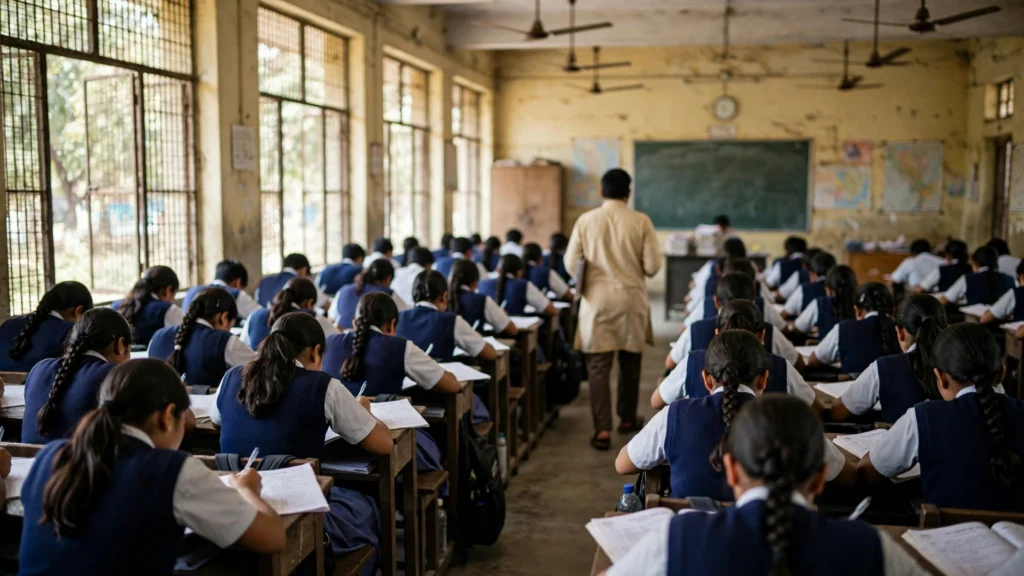
The special examinations were held for eligible Class 12 students studying in West Asian countries. Students from Kuwait, Iran, Oman, Qatar, Bahrain, Saudi Arabia and the United Arab Emirates appeared for the papers, according to reports.
The examination schedule covered a wide set of subjects. These included Political Science, Business Studies, Economics, Applied Mathematics, Mathematics, Psychology, Biology and English Core, among others. The papers were conducted between October 23 and October 28, 2026.
CBSE had issued a notification on November 6 about the release of these results. The board has made the marksheets available only through DigiLocker, the government digital document platform, so students need their login credentials to access them.
How to check the result on DigiLocker
Students who appeared for the special examination can follow these steps to download their marksheet:
- Visit the official DigiLocker website at digilocker.gov.in or open the DigiLocker mobile app.
- Log in to your DigiLocker account with your registered mobile number and credentials.
- On the homepage, go to the education or documents section.
- Select the Central Board of Secondary Education (CBSE) option.
- Choose the Class 12 special examination marksheet 2026 link.
- Enter the details asked for, if any, and the marksheet will appear on the screen.
- Download the marksheet and save a copy for future use.
Students should keep both a digital copy and a printout of the marksheet. Colleges and universities usually ask for the document during admission, and having it ready avoids a last minute rush.
What the marksheet shows
The digital marksheet on DigiLocker carries the subject-wise marks scored in the special examination, along with the candidate details. According to reports, these special examination results are final and will replace any earlier assessment based results that candidates may have received.
That detail matters. Some students had received provisional or assessment based outcomes while waiting for the special examinations. The marks from the October papers now stand as the final result, so students should use the new marksheet for all admission and verification purposes.
If any detail on the marksheet looks wrong, such as a spelling error in the name or a mismatch in the subjects, students should contact their school or the CBSE regional office at the earliest. Corrections are usually easier to get when they are flagged quickly.
What students should do next
With the result in hand, the next step for most students is college admission. Those applying to universities in India or abroad should check the admission deadlines of the institutions they are targeting, since many had already begun their admission cycles earlier this year.
Students planning to study in India should also keep an eye on the CBSE Class 12 board examination datesheet for 2027, which the board has already announced, in case younger siblings or friends need the schedule. The 2027 board exams are set to begin in mid February.
For now, the immediate task is simple: log in to DigiLocker, download the marksheet, and check every detail carefully.
FAQs
Where can I check the CBSE Class 12 West Asia special exam result 2026?
The result is available on DigiLocker at digilocker.gov.in and on the DigiLocker mobile app. Log in and select the CBSE Class 12 special examination marksheet 2026 link.
When were the West Asia special examinations held?
The special examinations were conducted from October 23 to October 28, 2026, and the result was declared on November 7, 2026.
Which students were eligible for the special examination?
Class 12 students in West Asia, including those in Kuwait, Iran, Oman, Qatar, Bahrain, Saudi Arabia and the UAE, who could not appear for the regular March-April 2026 board exams.
Is the special exam result final?
Yes. As per reports, the special examination results are final and replace any earlier assessment based results issued to candidates.
Do I need a DigiLocker account to download the marksheet?
Yes. Students need to log in to their DigiLocker account with their registered mobile number and credentials to access and download the digital marksheet.
Students are advised to verify all details on the official DigiLocker platform and the CBSE website. Informeia will keep tracking CBSE announcements for students in India and abroad.