

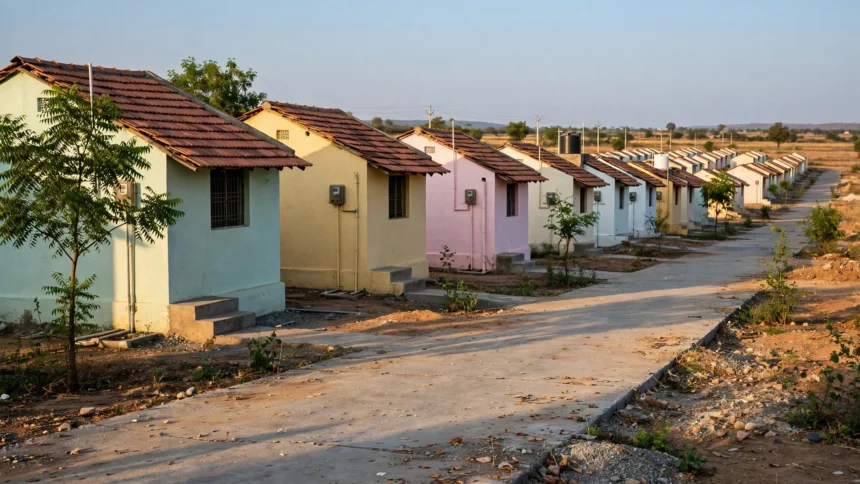
Owning a pucca house is still a distant dream for many families across India, and that is exactly the gap the Pradhan Mantri Awas Yojana was created to close. Launched to give every eligible family a home of their own, the scheme offers financial assistance for building or buying a house, and the entire application can be completed online from your phone or a nearby Common Service Centre.
What is PM Awas Yojana?
Pradhan Mantri Awas Yojana, usually called PMAY, is a housing scheme run by the Government of India. It has two parts: PMAY Urban for people living in towns and cities, and PMAY Gramin for families in villages. Under the scheme, eligible beneficiaries receive a subsidy on their home loan interest or direct financial assistance to construct a house. The exact benefit depends on your income group and whether you live in an urban or rural area, so check the official notification before applying.
The scheme is aimed at families who do not already own a pucca house anywhere in India. Priority is given to women, senior citizens, people with disabilities, and families from economically weaker sections and lower income groups.
Who can apply for PMAY?
Before you start the application, make sure you meet the basic conditions. These are the usual eligibility rules, but the official portal remains the final word:
- You or your family should not own a pucca house anywhere in India.
- Your annual household income should fall within the limits set for your category, such as EWS, LIG, MIG-I or MIG-II.
- You should not have received housing assistance under any other central government scheme earlier.
- For PMAY Urban, the applicant family should include a female member as co-owner or owner of the house, wherever applicable.
- You must have a valid Aadhaar number, since the application is linked to Aadhaar.
If you are unsure which income group you fall into, the official portal has a free eligibility check.
Documents you will need
Keep these ready before you open the form:
- Aadhaar card of the applicant and family members
- Income proof, such as a salary slip, income certificate or self-declaration
- Bank account details, including passbook or cancelled cheque
- Address proof, such as a ration card, voter ID or utility bill
- Passport-size photograph
- Proof of employment or self-employment, if applicable
How to apply for PM Awas Yojana online
Follow these steps on the official portal. For urban applications, the official site is pmay-urban.gov.in, and for rural applications it is pmayg.nic.in. Always use the official site, never a third-party agent website.
- Step 1: Visit the official PMAY portal for your area, Urban or Gramin.
- Step 2: Click on the Citizen Assessment or Apply Online option on the homepage.
- Step 3: Enter your Aadhaar number and name exactly as printed on your Aadhaar card, then verify with the OTP sent to your registered mobile number.
- Step 4: Fill in the application form with your personal details, family details, income details and current address.
- Step 5: Select your preferred benefit, such as interest subsidy on a home loan or assistance for construction.
- Step 6: Upload the required documents in the format asked for, usually scanned copies or clear photographs.
- Step 7: Review every detail carefully, submit the form, and save your application number.
Save your application number at the end, you will need it to track your application later.

How to check your PMAY application status
Once you have applied, you can track your application on the same official portal. Go to the Track Your Assessment Status option, enter your application number or Aadhaar number, and your current status will appear on screen. Status updates can take time, so check back after a few weeks if nothing has changed.
Common mistakes to avoid
- Entering a name or Aadhaar number that does not match your Aadhaar card exactly.
- Applying on a fake or agent-run website that charges a fee. The application itself is free.
- Uploading blurry or incomplete documents, which is the most common reason applications get held up.
- Forgetting to save the application number after submitting.
- Sharing your OTP or Aadhaar details with anyone who calls claiming to be from the scheme.
FAQs
Is applying for PM Awas Yojana free?
Yes. The application on the official portal is completely free. If anyone asks for money to apply on your behalf, treat it as a fraud attempt.
Can I apply for PMAY without an Aadhaar card?
No, Aadhaar is required for the application. If you do not have one yet, apply for Aadhaar first and then apply for PMAY.
How long does approval take?
There is no fixed timeline. Applications move through verification at the local body and state level, so it can take several weeks to a few months.
Can I apply for both PMAY Urban and PMAY Gramin?
No, apply under the category that matches where you live. Urban residents use the PMAY Urban portal, and rural residents use the PMAY Gramin portal.
What if my application is rejected?
Check the reason shown on the portal, correct the error if it is a document or detail issue, and apply again if you still meet the eligibility conditions.
A home is one of the biggest steps a family takes, and PMAY exists to make that step reachable. Apply only through the official portal, keep your documents ready, and verify every detail in the official notification before you submit.