

A passport is one document most people put off until a trip, a job abroad or study admission makes it urgent. In reality, the process in India follows a clear route: register on the official Passport Seva portal, fill the form, pay online, book an appointment, visit a Passport Seva Kendra and wait for verification and delivery. The work is in getting the details and documents right the first time, because a small mismatch in a name, address or date of birth causes most delays.
Check the fee and document list on the official portal before you pay, since the portal shows the current rules for your case.
Fresh, reissue or Tatkal: pick the right service
A fresh passport is for someone who has never held an Indian passport. A reissue covers renewal of an expired or expiring passport, and also a change of name or address, a damaged booklet or a lost passport. Choose the option that matches your situation.
Normal is the standard route. Tatkal is faster, for urgent travel, and carries an additional fee. Not every case is accepted under Tatkal, and the passport office takes the final decision, so check the conditions on the portal before paying the higher fee. Applicants also choose the booklet size, commonly 36 pages or 60 pages. For minors, the validity and documents differ, and a parent or legal guardian is involved.
Documents to keep ready
Keep originals and self-attested photocopies ready. The portal list for your category is final. In general, you will need:
- Proof of address: Aadhaar card, voter ID, a recent utility bill, a bank statement or passbook, or a registered rent agreement. The address should match your form.
- Proof of date of birth: birth certificate, school leaving certificate, PAN card or Aadhaar card, as accepted for your category.
- Proof of identity with a photograph: Aadhaar card, PAN card, voter ID or driving licence.
Extra documents may apply: a marriage certificate or gazette notification for a name change, the old passport for a reissue, a police report for a lost passport, or an annexure for Tatkal. Check that the name spelling is the same across your documents, because the passport will be printed from the details you submit.
How to apply online, step by step
The official portal is passportindia.gov.in. Avoid agents and lookalike websites that charge extra for filling the same form.
- Register: Create an account with your name, email ID and mobile number, and verify it through the email link the portal sends.
- Choose the service: Select Apply for Fresh Passport or Reissue of Passport, then choose Normal or Tatkal and the booklet size.
- Fill the form: Enter personal details, family details, present and permanent address, emergency contact and, for a reissue, details of the old passport. Details must match your documents.
- Pay the fee: Pay online through the options on the portal. Use the fee calculator there to confirm the exact amount before paying. The fee is generally not refunded once an appointment is booked.
- Book the appointment: Choose a Passport Seva Kendra (PSK) or Post Office Passport Seva Kendra (POPSK), pick a date and time, and save the receipt. It carries your Application Reference Number for tracking.
What happens at the PSK or POPSK
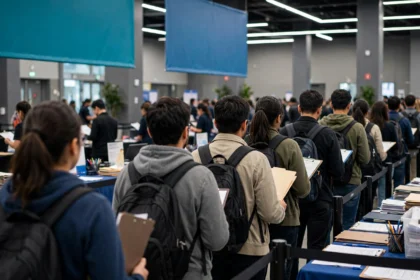
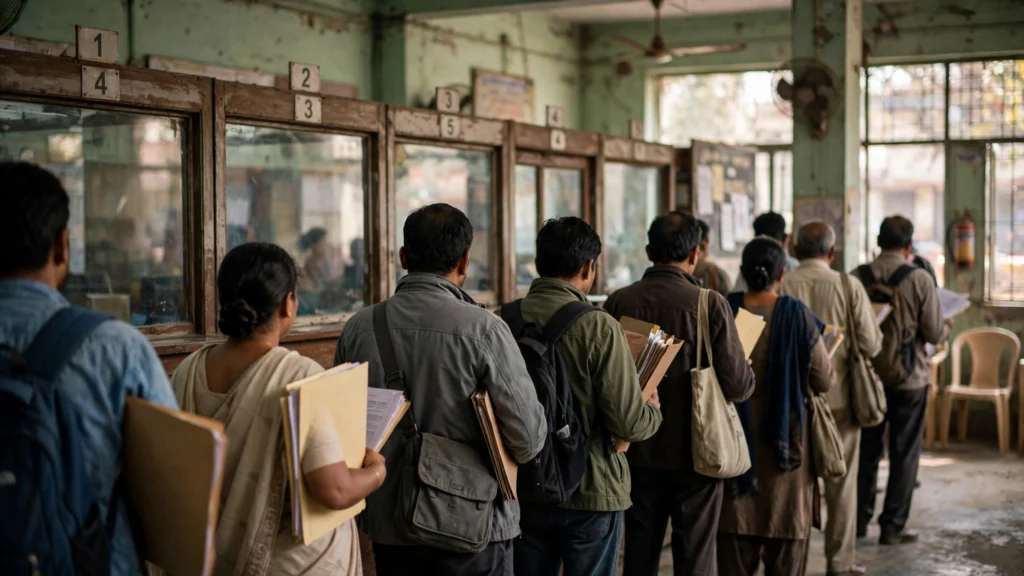
Reach the centre a little early with your receipt, original documents and self-attested copies. Your documents are checked, and your photograph, fingerprints and signature are captured. If a document is missing, the application may be put on hold until you produce it, which costs another visit. Before leaving, confirm the acknowledgement matches your form, and keep it safe.
Police verification and delivery
After the PSK visit, most fresh applications go for police verification at the address in the form. A police officer may visit your home, so keep the originals handy. In some cases verification happens before issue and in others after issue. Check the portal status with your Application Reference Number. Once verification is clear, the passport is printed and sent to your address by Speed Post.
Common mistakes to avoid
- Entering an old address, or a name spelling that differs from your documents.
- Choosing Tatkal without checking eligibility, then paying the higher fee for a case that cannot use that route.
- Booking an appointment before the documents are ready, and arriving without an original.
- Using an unofficial website or an agent who promises faster issue. No private site can speed up verification or printing.
FAQs
Can I apply fully online? No. The form, fee and appointment are online, but verification, photograph and biometrics happen in person at a PSK or POPSK.
Which website should I use? The official Passport Seva portal at passportindia.gov.in. Do not pay on any other site claiming to be the passport office.
What should I carry to the appointment? Your receipt, all original documents, self-attested photocopies, and any extra document for your case, such as the old passport for a reissue.
How do I track my application? Use the Application Reference Number or file number on the Passport Seva portal. It is on your receipt and acknowledgement.
What if my passport is lost? Choose reissue and select the reason that matches your case. A lost passport usually needs a police report, so read the portal instructions for that category first.
Apply early, keep documents consistent, and verify the fee and document list on the Passport Seva portal before you submit.