

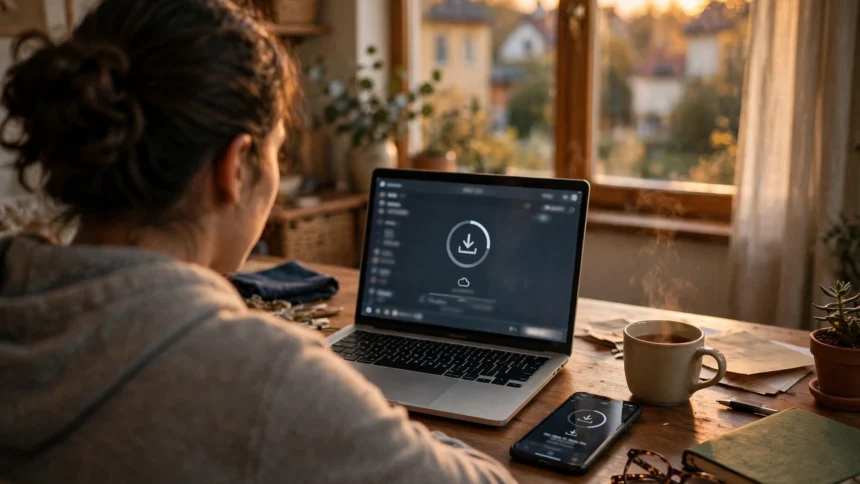
Losing track of your Aadhaar card is rarely a crisis, because the card can be downloaded again in a few minutes. As long as your mobile number is linked to your Aadhaar, you can get an official electronic copy, called e-Aadhaar, from the UIDAI portal without visiting any office. It carries the same details as the printed card and is accepted as valid proof of identity.
This guide covers the download step by step, the masked version of the card, and what to do when your mobile number is not linked or you need a printed PVC card.
What you need before you start
You need two things: your 12-digit Aadhaar number, or your 16-digit Virtual ID, and the mobile number registered with your Aadhaar. The portal sends a one-time password (OTP) to that number, so the phone must be with you and switched on. No documents need to be uploaded, since your details are already on record with UIDAI.
Not sure whether your mobile number is linked? The same portal lets you check, without revealing the full number.
How to download e-Aadhaar from myAadhaar
The official portal is myAadhaar, at myaadhaar.uidai.gov.in. Use only this site or the official mAadhaar app, and never enter your Aadhaar details on a third-party website that promises a faster download.
- Visit myaadhaar.uidai.gov.in and click on Login.
- Enter your Aadhaar number or Virtual ID, type the captcha shown on screen, and click on Send OTP.
- Enter the OTP received on your registered mobile number to log in.
- Go to the Download Aadhaar option on your dashboard.
- Choose the regular e-Aadhaar or the masked version, then confirm and download the PDF file.
The downloaded file is password protected. The password is the first four letters of your name in capital letters, followed by your year of birth. For example, if the name on the card is Rahul Kumar and the birth year is 1992, the password is RAHU1992. The PDF can then be printed, and the printout works as a valid copy of your Aadhaar.
Regular e-Aadhaar or masked Aadhaar: which one to pick
The regular e-Aadhaar shows your full 12-digit number, exactly like the printed card. The masked version hides the first eight digits and shows only the last four. Both are equally valid as identity proof, but for most everyday uses the masked version is the safer choice. Keep the full version for situations where the complete number is specifically asked for.
How to order a PVC Aadhaar card
If you want a sturdy plastic card rather than a printout, order an Aadhaar PVC card from the same portal. The card is delivered by post to the address printed on your Aadhaar, so confirm that address carefully during the order. A nominal fee is shown on the portal before you pay, so check the amount displayed there. Since the card is printed centrally and sent by post, it takes longer to arrive than an instant download. Until it arrives, the e-Aadhaar PDF serves the same purpose.
What to do if your mobile number is not linked
Without a linked mobile number, the OTP step cannot work, and the download cannot be completed online. Visit the nearest Aadhaar Seva Kendra or enrolment centre with your Aadhaar number and a proof of identity. The operator will update your mobile number after verifying you in person. Once the update is processed, usually within a few days, you can return to the portal and download e-Aadhaar normally.
Common mistakes to avoid
- Do not download Aadhaar from unofficial websites or apps. They may store your details, and the copy they give you may not be genuine.
- Do not share the PDF password along with the file. If you send someone the file, share the password separately, and only if they actually need to open it.
- Do not forward your full Aadhaar PDF casually over chat or email. Use the masked version wherever the full number is not required.
- Do not panic if the OTP is delayed. Wait a minute, check your network, and request it again rather than entering random codes.
Frequently asked questions
Is the downloaded e-Aadhaar as valid as the original card?
Yes. It is an officially generated electronic copy and is accepted as valid proof of identity.
Can I download Aadhaar without a registered mobile number?
Not through the portal, because the OTP goes to the registered number. Visit an enrolment centre first to link a mobile number.
What is the password of the e-Aadhaar PDF?
The first four letters of your name in capitals, followed by your year of birth, for example RAHU1992 for Rahul Kumar, born in 1992.
How is masked Aadhaar different from regular Aadhaar?
Masked Aadhaar hides the first eight digits and shows only the last four. It is equally valid and safer to share.
How long does the PVC card take to arrive?
It is printed centrally and sent by post, so it takes longer than the instant download. Use the e-Aadhaar PDF in the meantime.
Take five minutes to download the masked version and keep it somewhere safe, and check whether your mobile number is linked while you are at it. If a step on the portal looks different from what is described here, follow the instructions in the official notification and on the UIDAI website, since the portal is updated from time to time.