


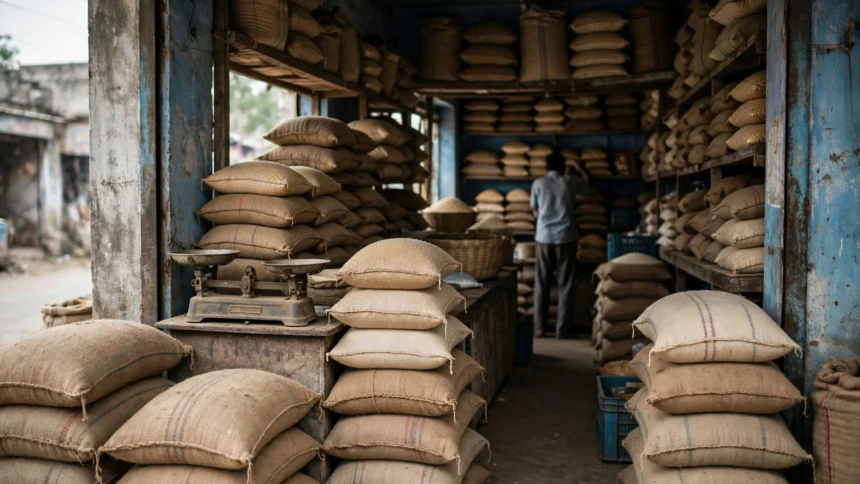
A ration card is one of the most useful documents a household in India can hold. It lets eligible families buy subsidised food grains from fair price shops, and it also works as a widely accepted proof of identity and residence. In most states, you can now apply for one online through your state food and civil supplies portal, without standing in long queues.
This guide explains who can apply, which documents you will need, and how the online process usually works. Ration cards are issued by state governments, so small details can differ from one state to another.
Who can apply for a ration card
Any household living in the state that does not already hold a ration card there can usually apply. The head of the family is normally the applicant, and other family members are added to the same card. If you have moved to a new state or started a separate household, you will generally need a fresh card rather than continuing on an old one.
Eligibility for subsidised grains depends on your household category, decided by the state under its own rules. Broadly, cards cover priority households and the most vulnerable households under the Antyodaya scheme. Some states also issue other categories for households that need the card mainly as an identity document. Check your state portal for the categories where you live.
Documents you will usually need
Keep scanned copies ready before you start, and follow the file size and format instructions on your state portal.
- Identity proof: Aadhaar card of the head of the family and other adult members, where available.
- Address proof: A recent electricity or water bill, rent agreement, or another accepted residence document.
- Family details: Names, ages and relationships of every member to be included, with Aadhaar numbers where available.
- Photograph: A recent passport size photograph of the head of the family.
- Income or category proof: Asked for by some states, depending on the type of card.
- Old card details: Proof that an earlier card has been surrendered or cancelled, if you held one before.
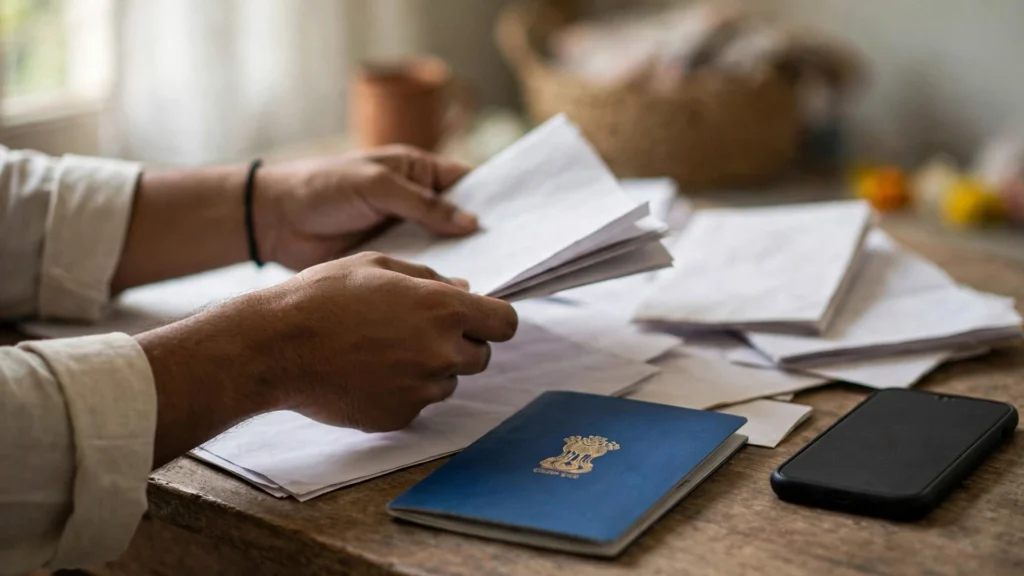
How to apply for a ration card online, step by step
- Step 1: Visit your state food, civil supplies and consumer affairs portal. Most state portals can be reached through the National Food Security Portal at nfsa.gov.in.
- Step 2: Create an account or log in with your mobile number. Many portals verify the number with a one-time password.
- Step 3: Choose the new ration card application option and select the type of card you need.
- Step 4: Enter the head of the family first, then add each member carefully. Names should match your other identity documents.
- Step 5: Upload clear scanned copies of the documents listed above.
- Step 6: Review the full form once. Check names, dates of birth and the address twice, since corrections after submission take extra time.
- Step 7: Submit the form and save the acknowledgement number. You will need it to track your application.
After submission, the local food supply office verifies the application. Once approved, the card can be downloaded from the portal or collected as directed, depending on your state.
How to check your application status
On your state portal, open the application status section and enter your acknowledgement number with your registered mobile number or Aadhaar number, whichever it asks for. The status will show whether the application is under verification, approved, or returned for correction. If it is returned, fix only the point named in the remark and resubmit.
Common problems and how to fix them
- Returned for correction: Fix only the field or document named in the remark and resubmit.
- Name spelling mismatch: Keep the spelling identical to your Aadhaar card. If a document itself has an error, correct that document first.
- Address proof rejected: Use a recent, clear copy of a document in the name of the head of the family or a family member, as your state allows.
- Member missing: Most portals have a separate option to add a member, such as a newborn child or a newly married spouse, with supporting proof.
- Upload not accepted: Check the file size and format, and rescan the document instead of uploading a blurry photograph of a screen.
FAQs
Can I apply without an Aadhaar card?
Most states prefer Aadhaar details, but rules for households without Aadhaar differ by state. Check your state portal for the alternative documents it accepts.
Is there a fee for applying online?
Many states process applications without a fee, while some charge a small service fee at citizen service centres. Check the official notification for your state, and avoid paying anyone who promises faster approval.
How long does approval take?
The time varies by state and by how quickly field verification is completed. Tracking the application with the acknowledgement number is the best way to know where it stands.
Can I use a ration card from one state in another state?
Under the One Nation One Ration Card system, eligible beneficiaries can draw subsidised grains from fair price shops in other states too, subject to the scheme rules. Your original card, however, is issued by your home state.
Applying for a ration card online is straightforward once your documents are in order and your details match across them. Take your time with the form, save your acknowledgement number, and verify every state-specific detail in the official notification before you submit.